Create content
Add new content
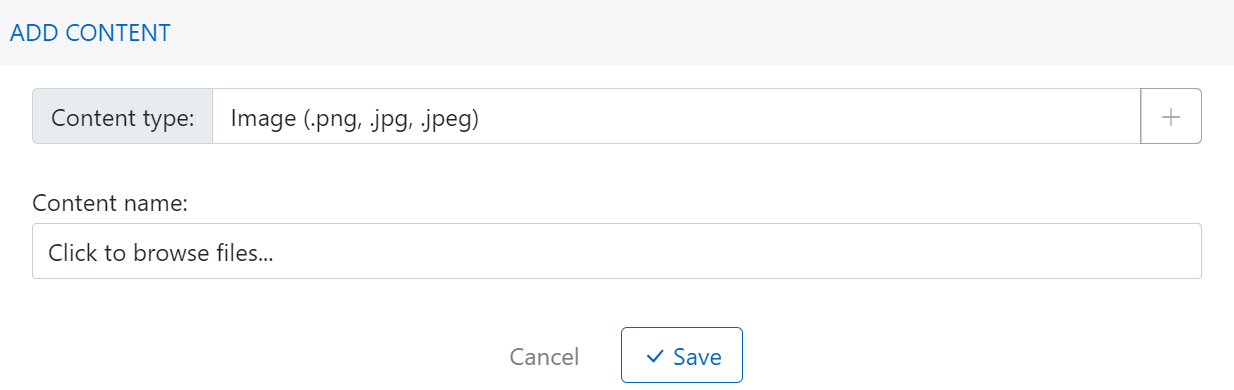
From Content Experience page, click on button + Add content at top of menu to create new content:
- Select content type
- Browse or select content
- Click on Save button to complete process
Edit content marketing template
For content type is email template, you can edit using drag and drop editor:
- Email template is first created by row
- For each of row, drag and drop component item to create content for column
- Select component item and configure its property to layout and style the content

Edit content image
For content type is image, you can edit using image editor:
- Crop image
- Add constract
- Add text to image
- Add icon to image
Every content image have published link so that you can copy and use it in marketing campaign.

Edit content code
Content code (html/css/js file) is frontent document, it can be email template or web/app popup. Platform support code editor like visual studio code to help you edit code easily.
