Role management
View role list
Notes
There is no limition of number of role that you can create.
This page will display all roles in your account.
Create new role
The following step to create new role:
- Go to organization menu
- Click on role tab
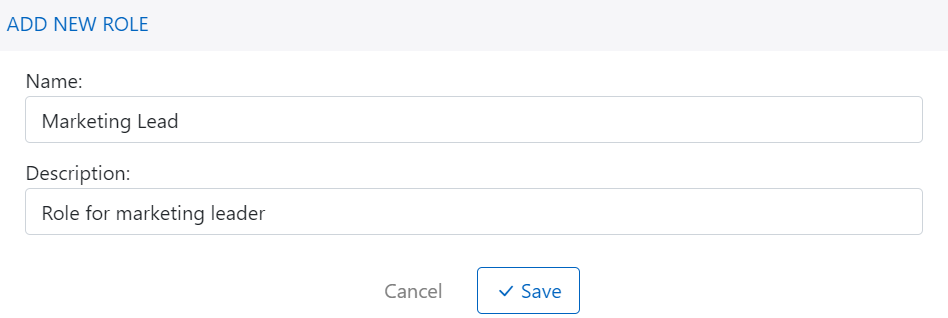
- Click on + Add role button and fill role name
- Click save button to complete process
Assign permission to role
Notes
Becareful, let review permissions before saving, it can make broken connection if un-assign right permission for api user.
After creating role succesfully, you will be navigated to role detail page automatically. In this page, you can change role name or description and click save button to apply change.
You also can change permissions of role depending your role requirement and access.
