Publish campaign
Publish
Click on publish button at top of header to publish your campaign. Make sure everthing has been setting correctly then your campaign will go through and sent to customers in target list.
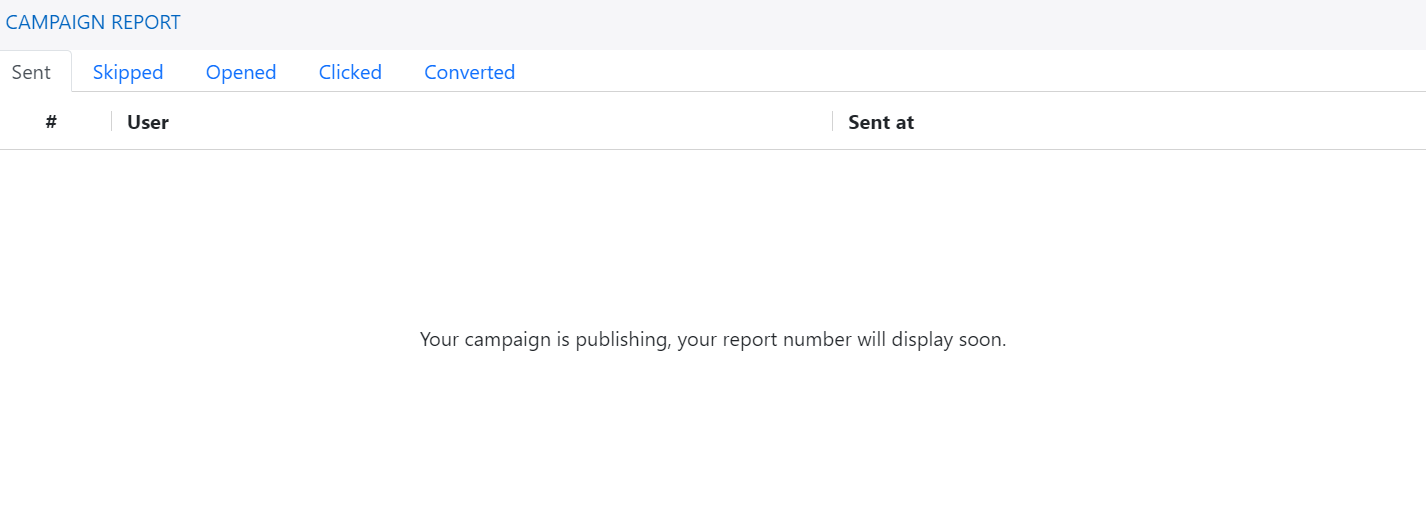
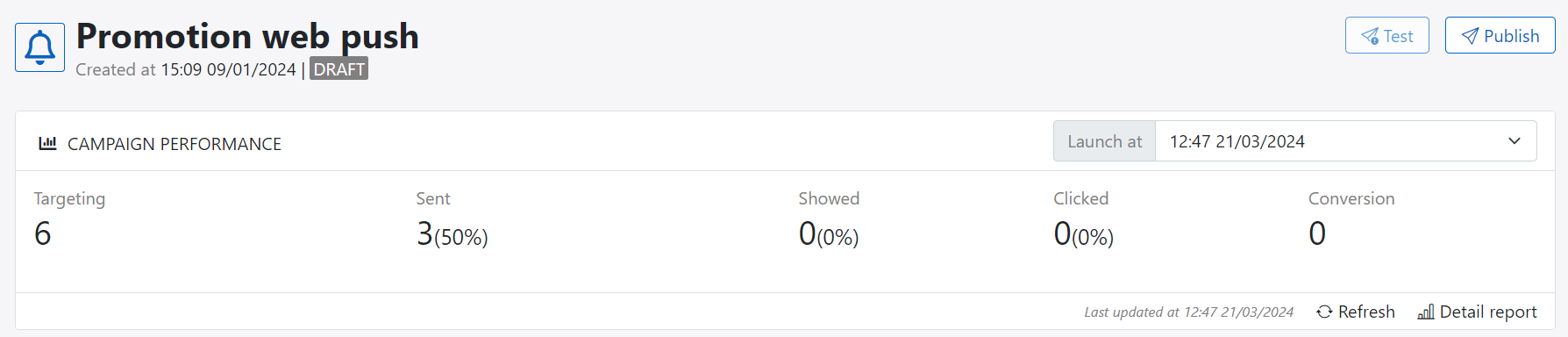
You can pushish campaign many time and for each of publishing, platform will capture publish id and corresponding report. You can click on refresh button to load latest report or click on detail report to see all campaign reports.
Report
Notes
You can not download campaign summary report or campaign detail report here. The only way to do that is using export job.
Everytime you publish campaign, the new report will display:
- Targeting: number of customers in campaign targeting at the published time
- Sent: number of customers that campaign is sent successfully
- Opened/Showed: number of customer that opened message and message has been showed
- Clicked: number of customers who clicked on campaign link, campaign can contains multi links.
- Conversion: number of customers who converted due to campaign goal setting via activity