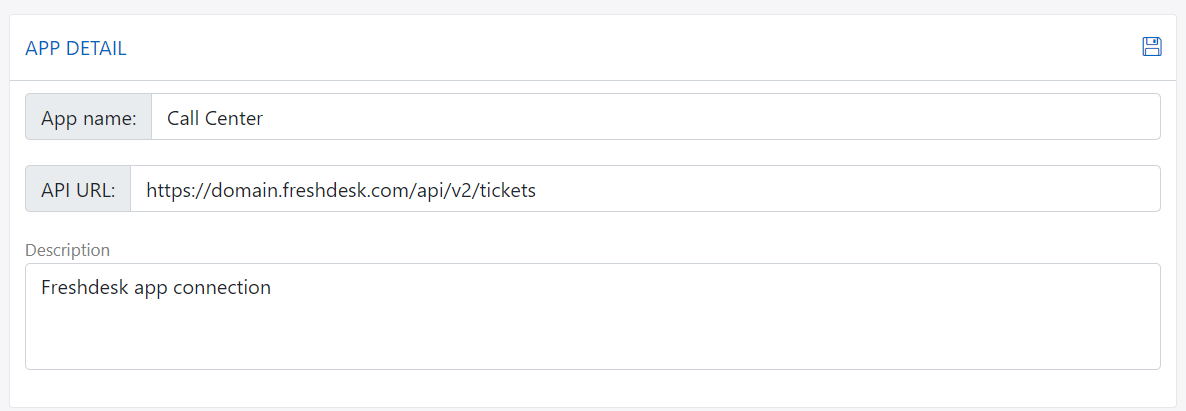
Source app
You should have right permission to setup app. Only provide permission to right person or have experience on setting up, otherwise it can make connection broken.
Overview
Source app is used to ingest or input data from external system to our platform like website, mobile app, SFTP or database.
Using source app, you can know exactly the source of contact data or data in our platform. So that you can search or analyze the data better.
Source app type
The following table describe detail about the source app connection:
| Index | App Type | Description |
|---|---|---|
| 1 | Website | Collect push notification token, tracking contact and their online behaviour using SDK |
| 2 | Mobile App | Collect push notification token, tracking contact and their online behaviour usign SDK |
| 3 | Zalo | Collect zalo followers in Zalo official account |
| 4 | SFTP | Import data from external to platform |
| 9 | Database | Sync data from database to platform |
| 10 | API | Using Server to Server API call |
Website
-
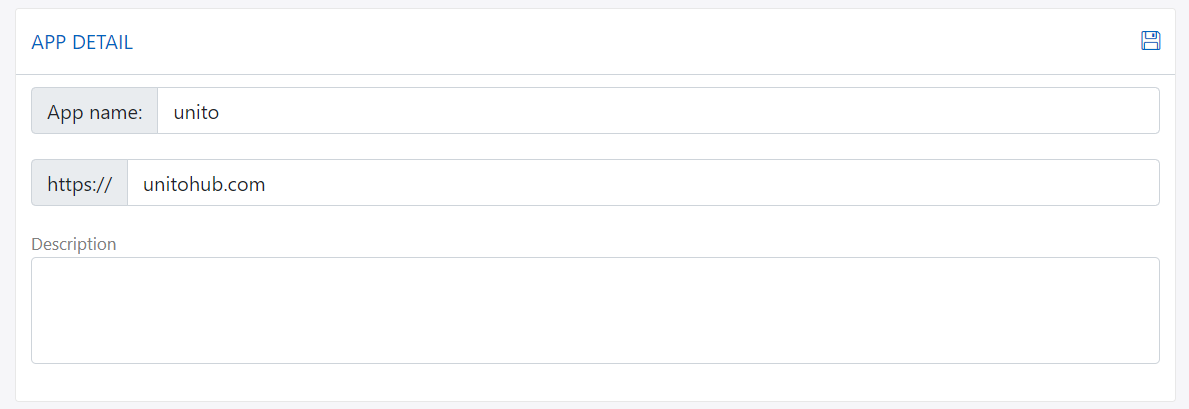
Website app detail
-
Website push notification setting

-
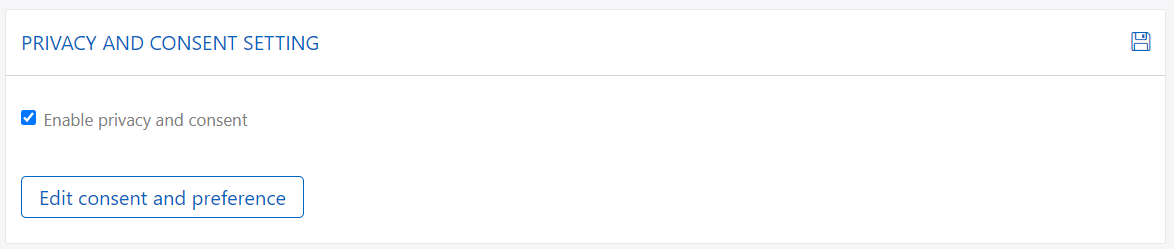
Website consent setting
Mobile app
Comming soon
Zalo
Zalo app let you configure and connect to your Zalo Official Account.
- Authenticate: Click on authenticate icon to authorize and allow platform to have permission to use your Zalo Official Account API.
- Sync followers: Sync Zalo Official Account followers and create tracking data in your tracking list

SFTP
There are two type of SFTP in app setting:
- Internal SFTP: This SFTP come from platform, every account should have internal SFTP with given host and port.
- External SFTP: This is your SFTP, you have to provide host, port information for connection.

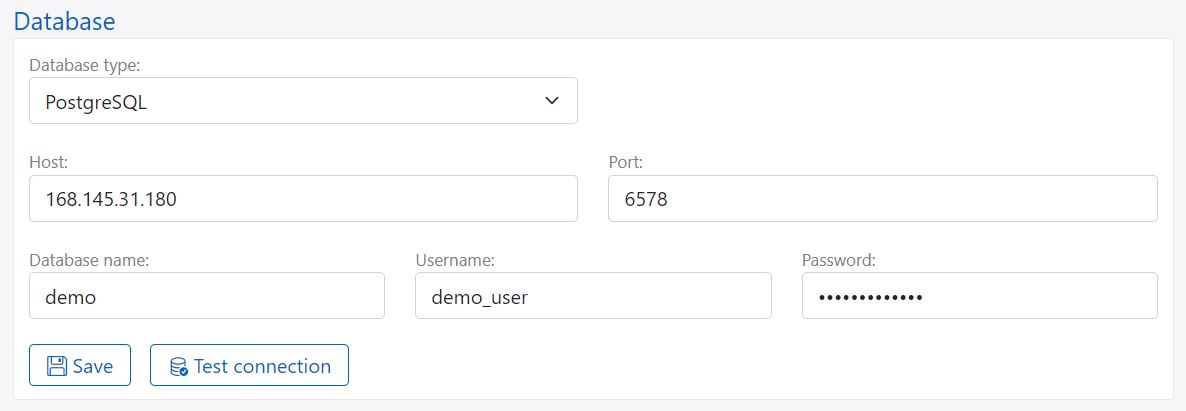
Database
Database app allow you to connect and select data from table and sync to paltform via import job
API
Using API to import data to platform like CRM, POS... It help you track the source of your contact data.